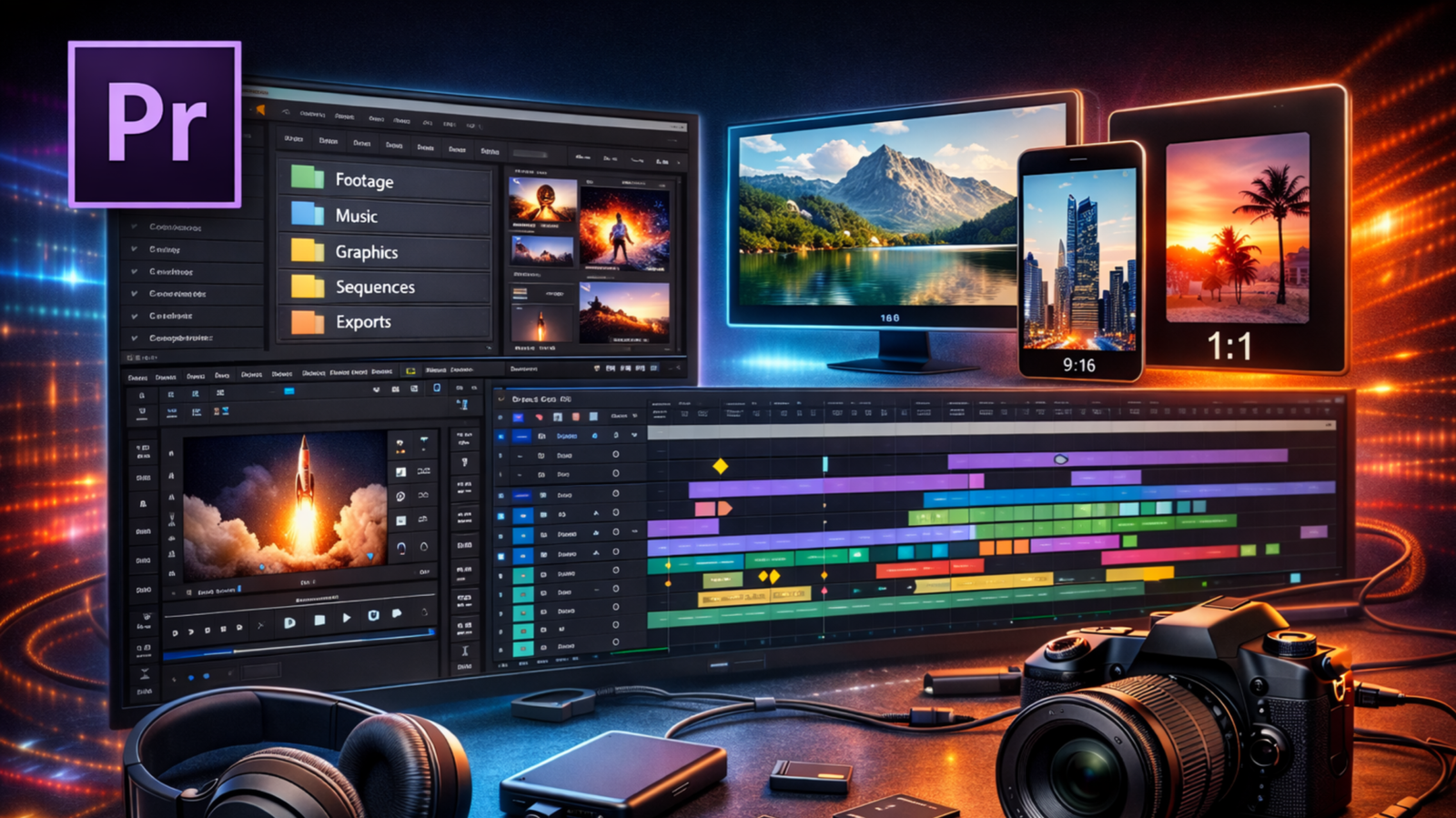
In the competitive landscape of digital media, high-quality video editing has become a cornerstone for successful content creators. Whether you are aiming for a professional career in motion graphics or looking to monetize your website through Google AdSense, providing deep, technical, and original value is essential. This 1000-word masterclass breaks down four advanced projects in After Effects and Premiere Pro, focusing on the techniques that separate amateur edits from professional-grade productions.
Project 1: Mastering the Timeline – Basics and Animation
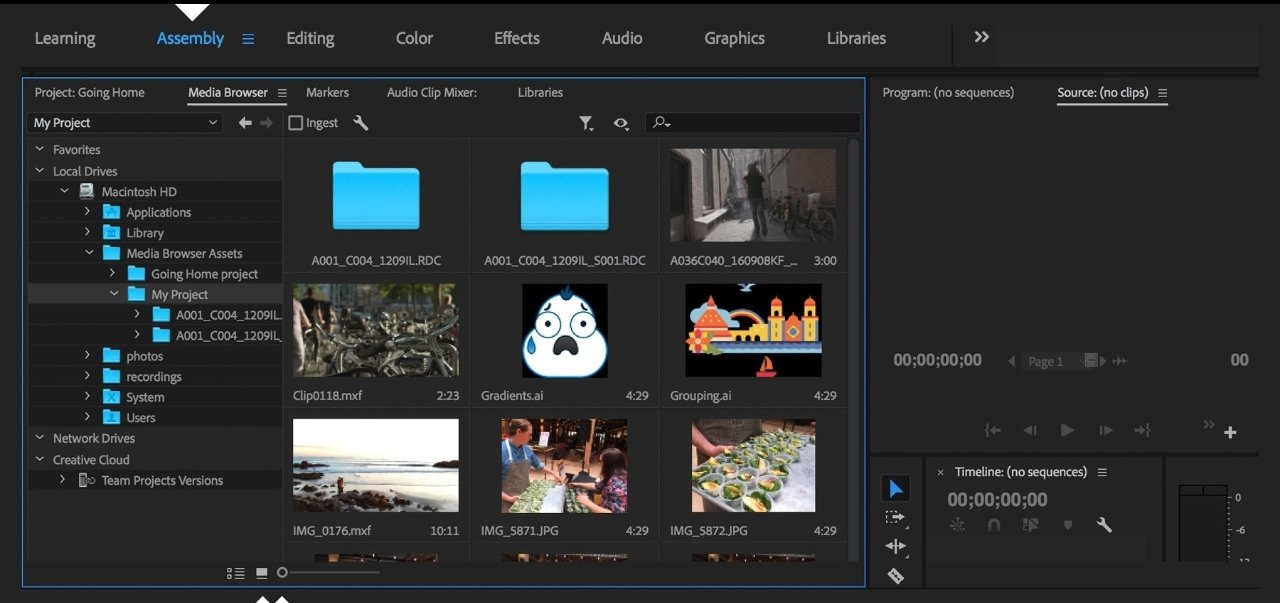
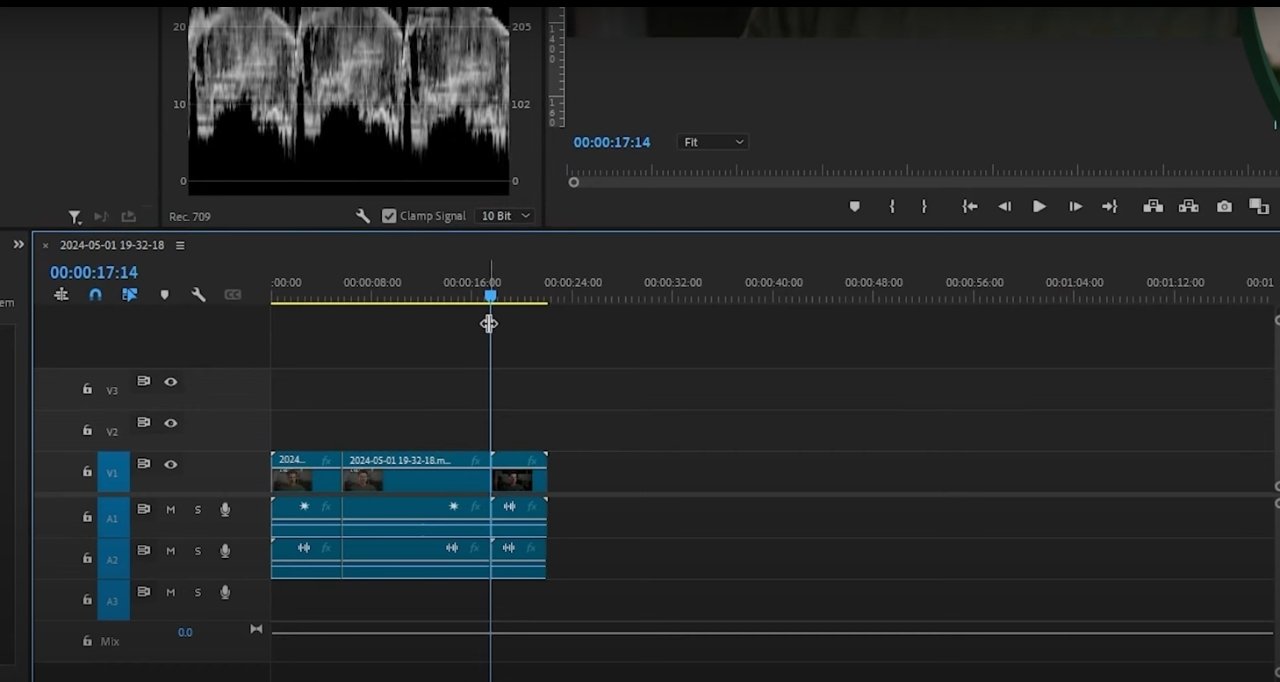
The first step in any professional workflow is mastering the timeline. Project 1 focuses on the fundamental actions: Cut, Trim, and Split. While these seem simple, the efficiency with which you perform them determines your overall speed. We then dive into Transform Properties, the building blocks of all motion. By manipulating Position, Scale, Rotation, and Opacity, you can create complex movements from simple assets.
Keyframe Animation is the next level. It allows you to animate properties over time, creating dynamic shifts in your visuals. We also explore Blend Modes for sophisticated compositing, Text Options for high-end typography, and the use of Shapes to create custom graphic elements. Finally, we highlight Important Shortcuts—the secret weapon of every power user.
Project 2: The Art of Fluidity – Graph Editor and Adjustments (01:46:07)
To move beyond linear, robotic movements, you must master the Speed Graph in the Graph Editor. This tool allows you to control the velocity of your animations, creating smooth “Easy Ease” transitions that feel natural to the eye. Project 2 also introduces the Adjustment Layer, a non-destructive way to apply effects like Lumetri Color across multiple clips. This ensures your project has a consistent color grade and professional “film look.” Basic masking is also covered here to help you isolate specific areas for color correction.
Project 3: Advanced Compositing – Luma & Alpha Mattes (02:22:16)
Mattes are essential for high-end visual effects. In Project 3, we explore Alpha Mattes and Alpha Inverted Mattes, which use transparency data to reveal or hide layers. This is commonly used for text-reveal effects where video appears inside a font. We also cover Luma Mattes and Luma Inverted Mattes, which use brightness (luminance) values to define transparency. Mastering these allows you to create complex transitions and organic reveals that are impossible with basic tools.
Project 4: Precision and Organization – Masking and Pre-compositions (02:58:07)
The final project focuses on precision. Using the Rectangle Tool and Pen Tool, you will learn how to create custom masks for rotoscoping or isolating elements within a frame. We discuss when to use each tool and how to manage complex projects using Pre-compositions. Pre-comping keeps your main timeline clean and allows you to apply effects to groups of layers. We also revisit the Luma Inverted Matte in a practical project setting to solidify your understanding of advanced transparency workflows.
Conclusion: Building a Valuable Resource for AdSense
Google AdSense rewards websites that provide original, high-quality information that solves user problems. By providing this detailed, project-based guide, you are creating a valuable resource for the editing community. To ensure approval, make sure your website is easy to navigate, has a fast loading speed, and includes essential pages like a Privacy Policy and Contact page. This technical depth demonstrates your expertise and makes your site a prime candidate for monetization.