
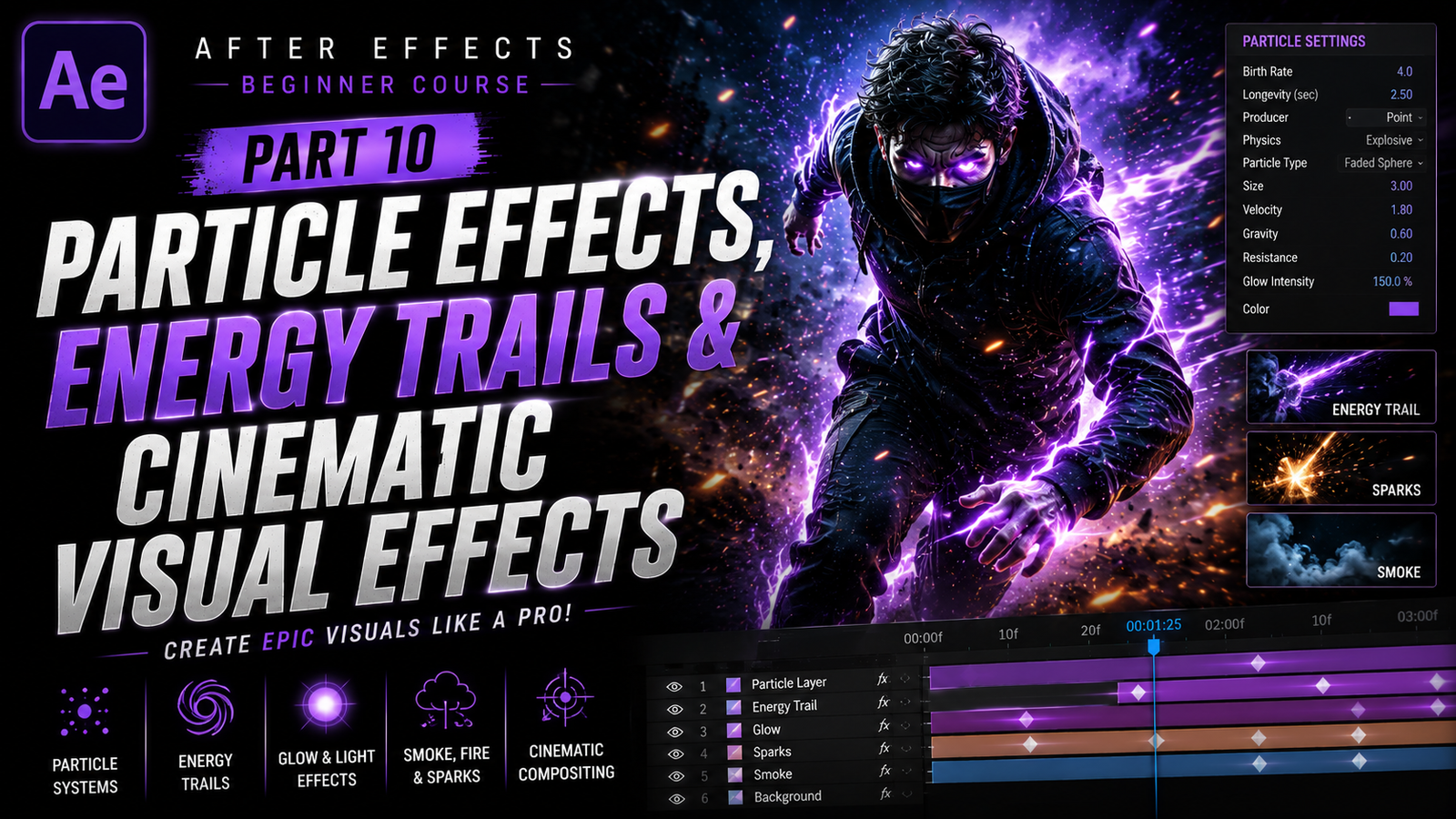
Adobe After Effects becomes even more exciting once you start creating cinematic particle effects and energy animations because this is where ordinary edits begin to feel like professional movie scenes. Many modern YouTube intros, gaming montages, superhero edits, music videos, sports reels, advertisements, and cinematic trailers use particles, glowing trails, smoke, sparks, and light effects to create dramatic visuals. Even simple movement can look powerful when combined with cinematic particles and smooth visual effects. Beginners often think these effects require expensive plugins or advanced VFX knowledge, but After Effects already includes many built-in tools that allow creators to produce impressive results without needing complicated setups.
In this part of the beginner course, we will learn how particle systems work, how energy trails are created, how glow effects improve cinematic visuals, and how these techniques help editors create professional-looking scenes.
Particles are tiny animated elements generated by the software to simulate natural or stylized motion. These particles can look like sparks, dust, smoke, rain, fire, magic energy, glowing lights, snow, or abstract cinematic effects. Particle systems are widely used because they add movement and atmosphere to scenes. Without particles, many cinematic edits feel empty or static.
Even subtle floating dust particles can make a scene feel more realistic and immersive.
After Effects includes built-in particle tools such as CC Particle World and CC Particle Systems II. These effects are beginner friendly and allow users to generate thousands of moving particles inside compositions. To begin, create a new composition and apply CC Particle World to a solid layer. Instantly, particles appear and begin moving automatically. At first, the default effect may look simple, but once you start adjusting settings, the possibilities become much more interesting.
🎬 Understanding Particle Systems
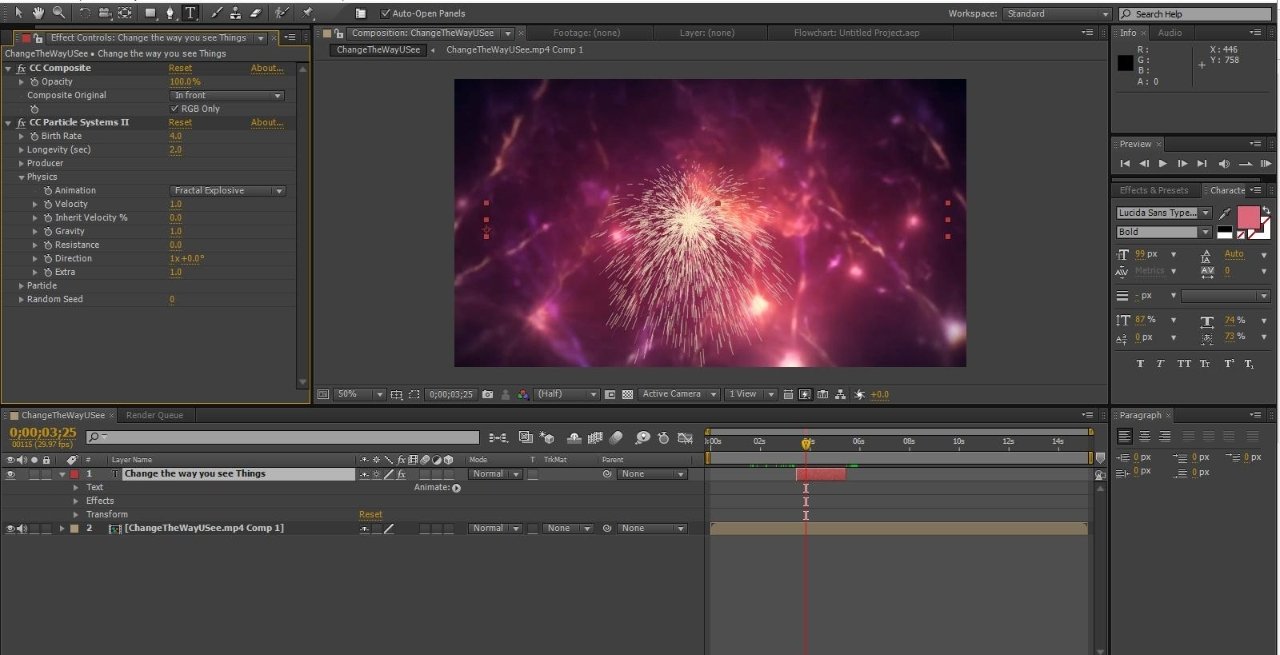
Inside the particle effect settings, beginners will notice controls such as Birth Rate, Longevity, Producer, Physics, and Particle Type. Birth Rate controls how many particles are created every second. Higher values create denser effects, while lower values create subtle atmospheric motion. Longevity controls how long particles remain visible before disappearing. Small changes in these settings can completely change the look of the effect.
The Producer settings control where particles are generated inside the scene. By moving the producer position, you can create effects that follow characters, objects, or specific locations. This becomes especially useful when combining particles with motion tracking. For example, glowing energy particles can follow a moving hand or object during cinematic scenes.
Physics settings control how particles move. Gravity, velocity, and resistance all affect particle motion. Smoke-like particles usually move slowly with soft movement, while sparks and energy particles often move quickly with stronger velocity. Beginners should experiment with different combinations because understanding motion behavior is important for creating realistic effects.
Particle Type controls the appearance of particles. After Effects allows particles to appear as lines, stars, shaded spheres, faded circles, and textured elements. Professional editors often combine glow effects and color grading with particles to create cinematic style visuals.
⚡ Creating Energy Trails & Motion Effects
One of the most popular effects among beginners is the energy trail effect. This effect is commonly used in gaming edits, superhero montages, sports videos, and anime-inspired reels. Energy trails create glowing motion behind moving objects or characters, making movement feel faster and more dramatic.
There are several ways to create energy trails in After Effects. One beginner-friendly method involves duplicating the moving subject multiple times with blending modes and blur effects. Another popular technique uses the Saber plugin, although many creators also build similar results manually using glow effects and masks.
To create a simple cinematic trail effect, isolate the subject using masks or rotoscoping, duplicate the layer, and offset its timing slightly. Applying directional blur and glow creates the illusion of energy movement behind the subject. Changing blending modes such as Add or Screen helps glowing elements blend naturally into the scene. Combining motion blur with these effects creates smoother cinematic movement.
Glow effects are extremely important in modern visual effects work. Without glow, energy scenes often look flat and unrealistic. After Effects includes several built-in glow effects that can dramatically improve visuals with only small adjustments. However, beginners should avoid using extremely bright glow because excessive brightness can reduce detail and make videos look messy. Professional cinematic effects usually use controlled and balanced lighting.
🎨 Glow Effects & Cinematic Lighting
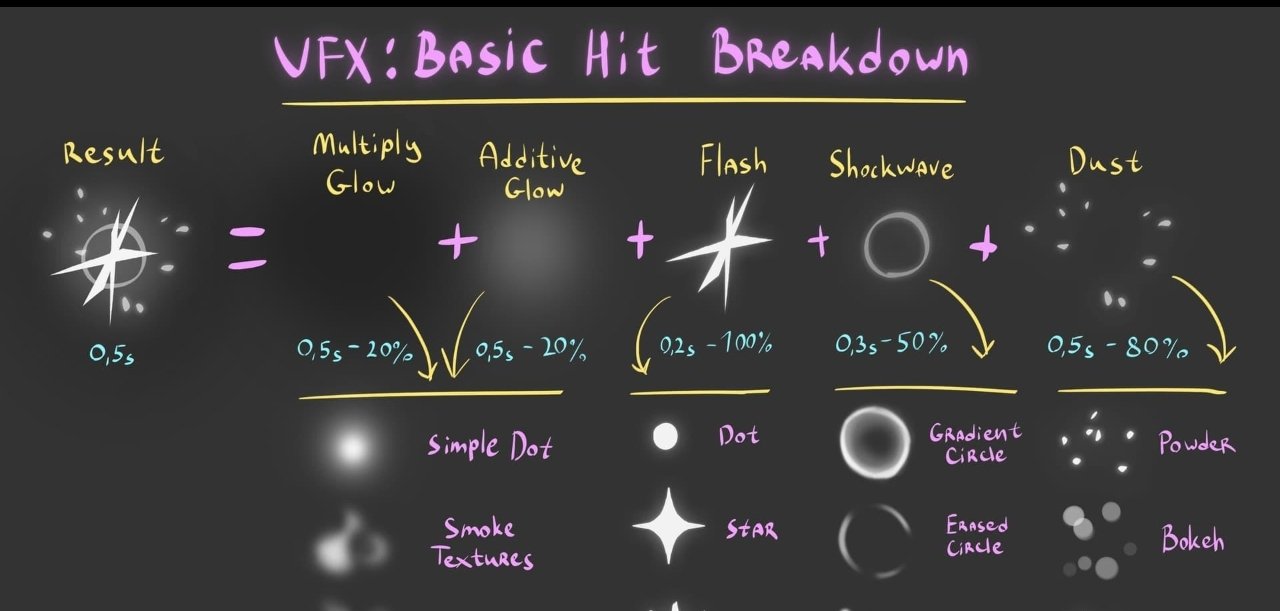
Color selection also affects cinematic quality significantly. Blue, purple, orange, cyan, and red are commonly used in energy-based visual effects because they create strong visual contrast. Many superhero-style edits use blue lightning effects, while gaming montages often combine purple neon glows with dark cinematic backgrounds.
Another important technique is blending particles naturally into scenes. Particles should not look like separate layers floating unnaturally above footage. Motion blur, depth of field, color correction, and blending modes help integrate particles realistically into compositions. Small atmospheric particles in the foreground and background also create cinematic depth.
Many professional editors combine particles with camera movement to make scenes feel more immersive. Slow cinematic zooms combined with floating particles instantly improve production quality.
Even subtle movement can dramatically improve visual storytelling. This is why cinematic intros often include dust, fog, sparks, or glowing particles moving slowly through scenes.
Particles are also frequently used for transitions. Spark bursts, smoke reveals, glowing wipes, and abstract particle explosions create smooth scene changes that feel more dynamic than standard cuts. Music videos and gaming edits often rely heavily on these effects to maintain energy and pacing.
🔥 Combining Particles with Tracking & Text
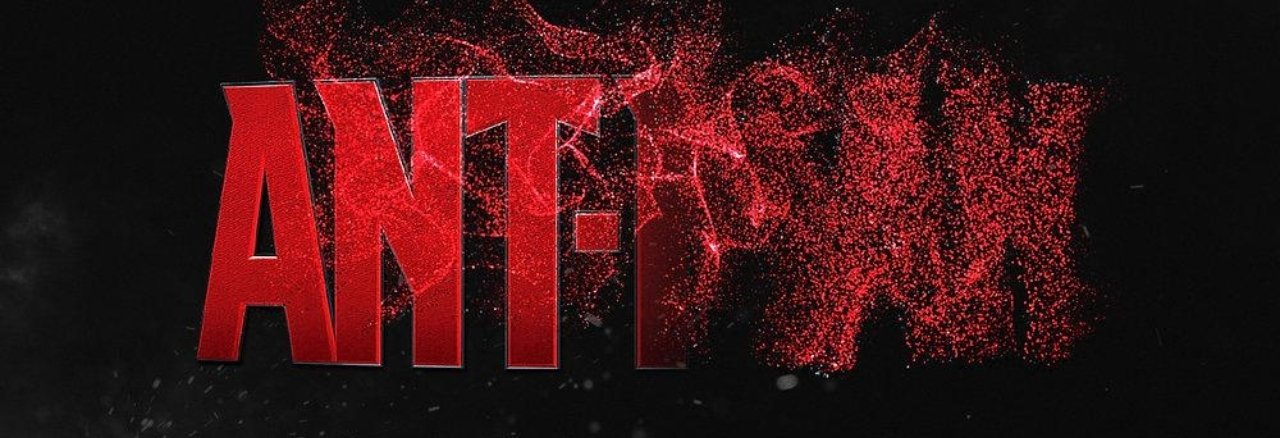
Text animation becomes even more impressive when combined with particles. Many cinematic titles use floating sparks, glowing embers, smoke, or energy streaks around typography. This creates a stronger visual atmosphere and helps titles feel more dramatic. Motion graphics designers often combine particles with camera depth and lighting to create premium cinematic intros.
Motion tracking can also improve particle realism. For example, tracked particles can follow moving hands, vehicles, or sports players. This creates scenes where energy appears connected directly to movement instead of floating randomly. Combining tracking with particles is commonly used in superhero edits and sci-fi visual effects.
Project organization becomes very important during VFX work because particle scenes often contain multiple layers, adjustment layers, tracked footage, masks, and glow effects. Naming layers properly and grouping compositions into folders keeps workflows clean and professional. Many beginners ignore organization early on and later struggle with large projects.
Performance optimization is another important factor because particle systems can become heavy, especially when using high particle counts and motion blur. Low-end PCs may experience slow previews during editing. Beginners can improve performance by reducing preview resolution, lowering particle counts during editing, and pre-rendering heavy scenes when necessary.
One of the best ways to improve cinematic visual effects skills is through experimentation. Different particle styles create different moods. Soft floating dust creates realism, while aggressive sparks create action and intensity. Trying different physics settings, colors, glow combinations, and movement speeds helps beginners understand how cinematic atmosphere is built.
Particle effects, energy trails, and cinematic visual effects are some of the most creative tools inside Adobe After Effects because they allow editors to transform ordinary footage into dramatic cinematic scenes. These effects are used every day in gaming montages, sports edits, advertisements, trailers, music videos, YouTube intros, and social media content. Once beginners understand particle systems, glow effects, blending modes, motion blur, cinematic lighting, and energy animation workflow, they can begin creating visually powerful edits that feel dynamic and professional. With regular practice, creativity, and attention to detail, even simple particle effects can become cinematic visual elements that make videos stand out beautifully across every platform.